quikPDF
Our fully-featured Editor allows you to modify the text, content, and styling of any PDF document.
Get started and simplify PDF editing with 3 simple steps:
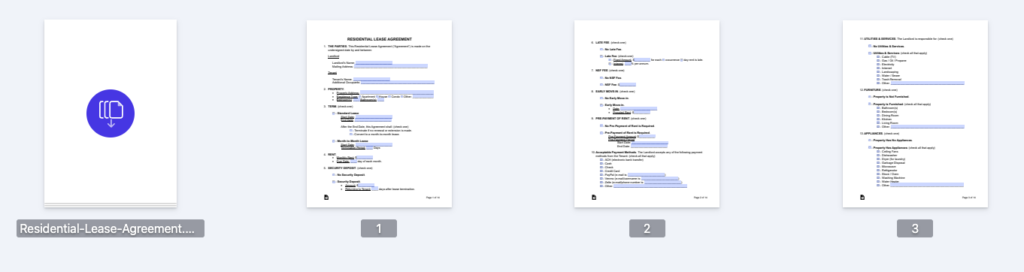
Select or drop your file safely in pdf tool
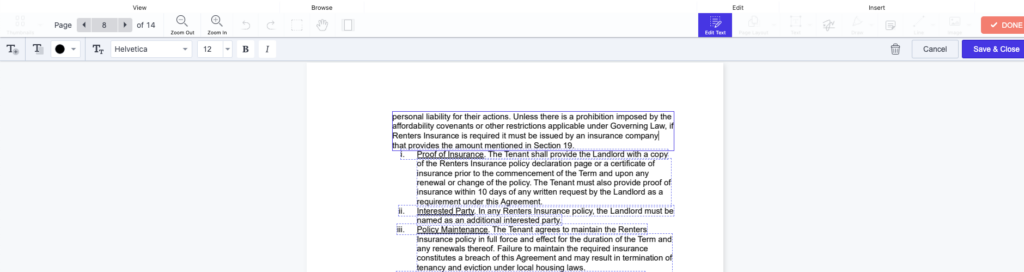
You can now edit your entire file (text, add signature, and more)
Once saved, you can export your new document
Discover everything that QuikPDF has to level up your PDF editing:
Presenting our advanced PDF Editor:
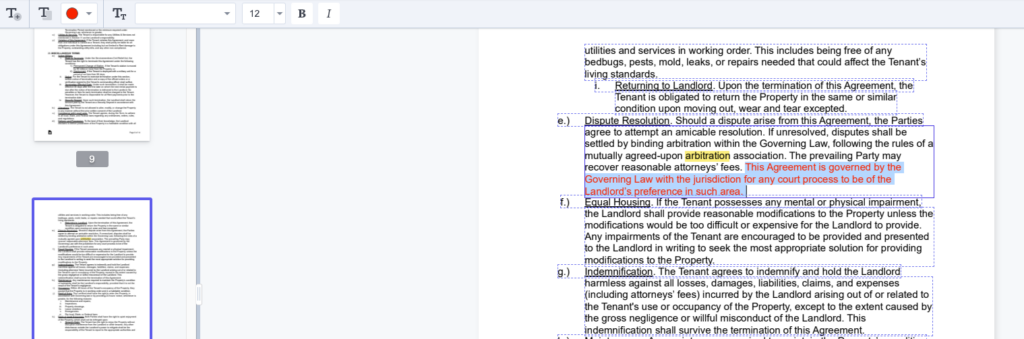
Easily edit and update existing text in your PDFs with our intuitive editing tools.
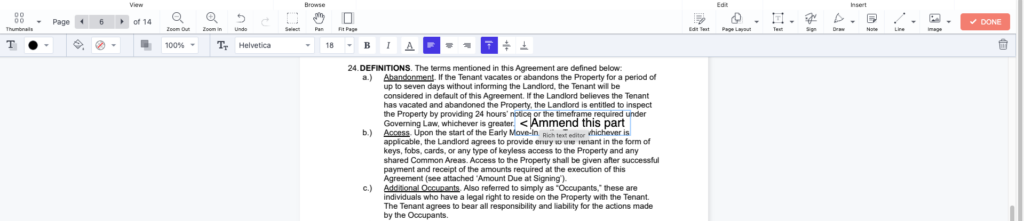
Insert new text into any part of your PDF document using our simple text addition feature.
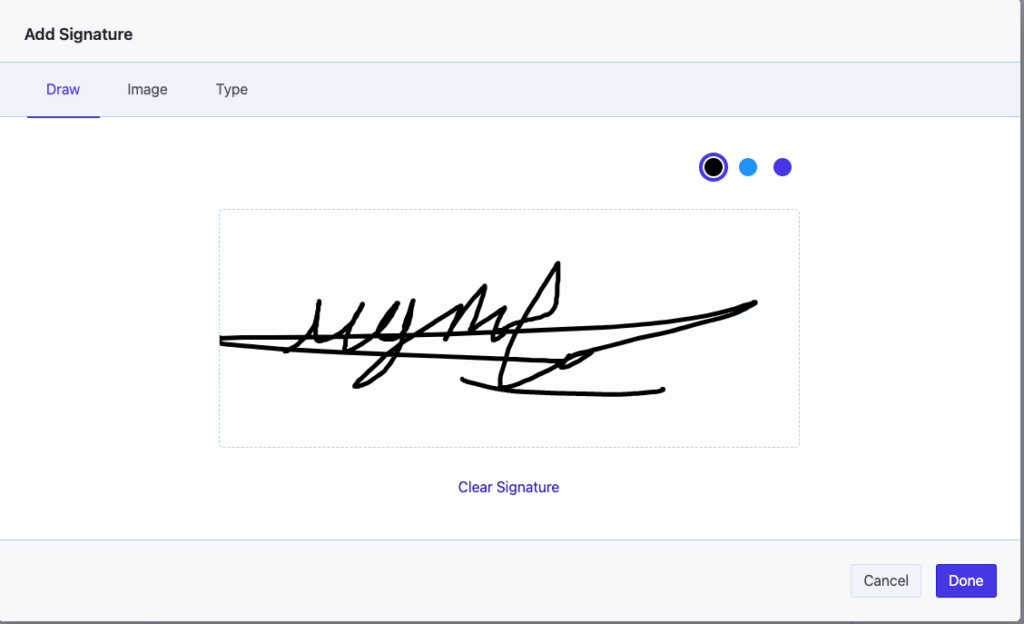
Sign your PDF documents electronically with ease, ensuring secure and authenticated signatures.
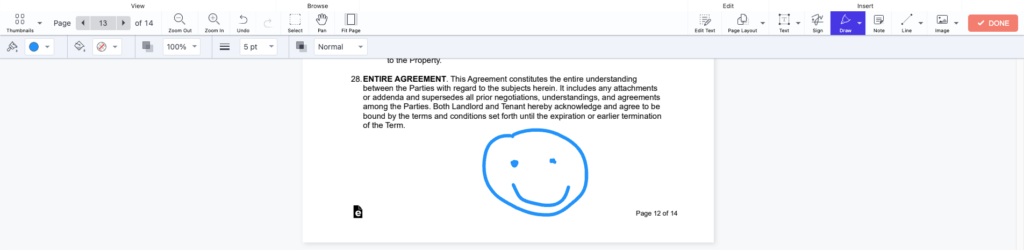
Draw directly onto your PDF for visual annotations, comments, or illustrations as needed.
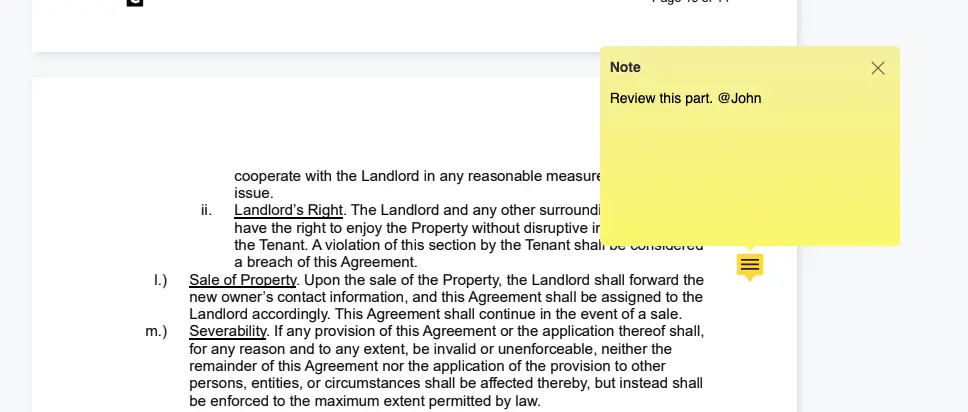
Add comments and annotations to your PDF files for better collaboration and feedback.
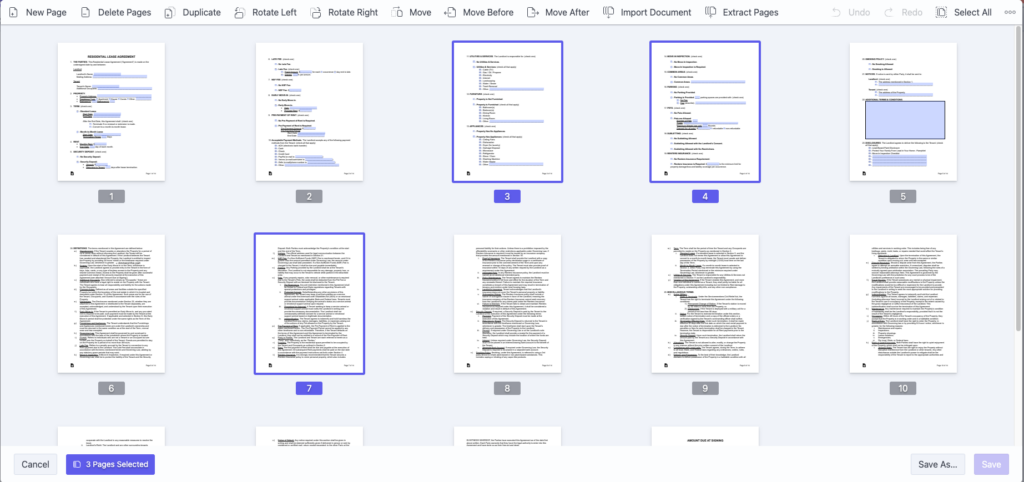
Divide your PDF into multiple smaller documents quickly and efficiently with just a few clicks.
Combine multiple PDFs into a single document seamlessly, ensuring organized and consolidated files.
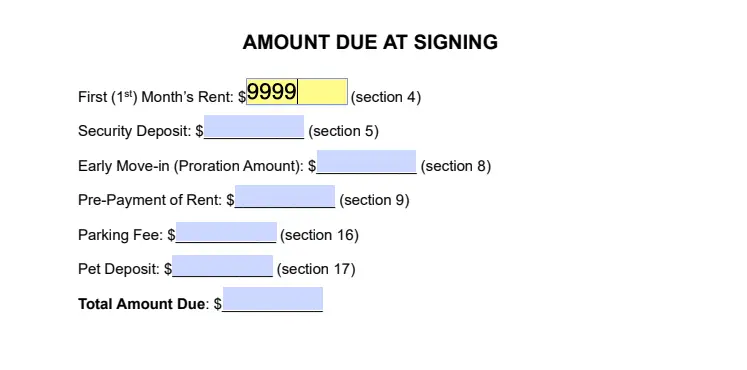
Easily view and fill out forms within your PDFs, making document completion a breeze.
Change font styles, sizes, and colors in your PDF to match your preferred formatting.
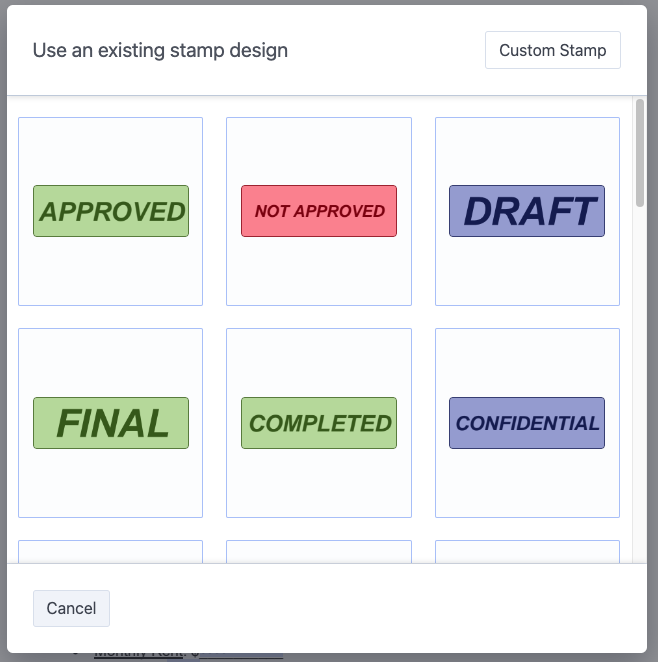
Easily add stamps to your PDFs. Choose from pre-made templates, or import your own.
Unlock the Potential of your Documents with QuikPDF
Select a file or drag and drop here File size no more than 10MB